How to Set Up a Pinterest Business Account Correctly
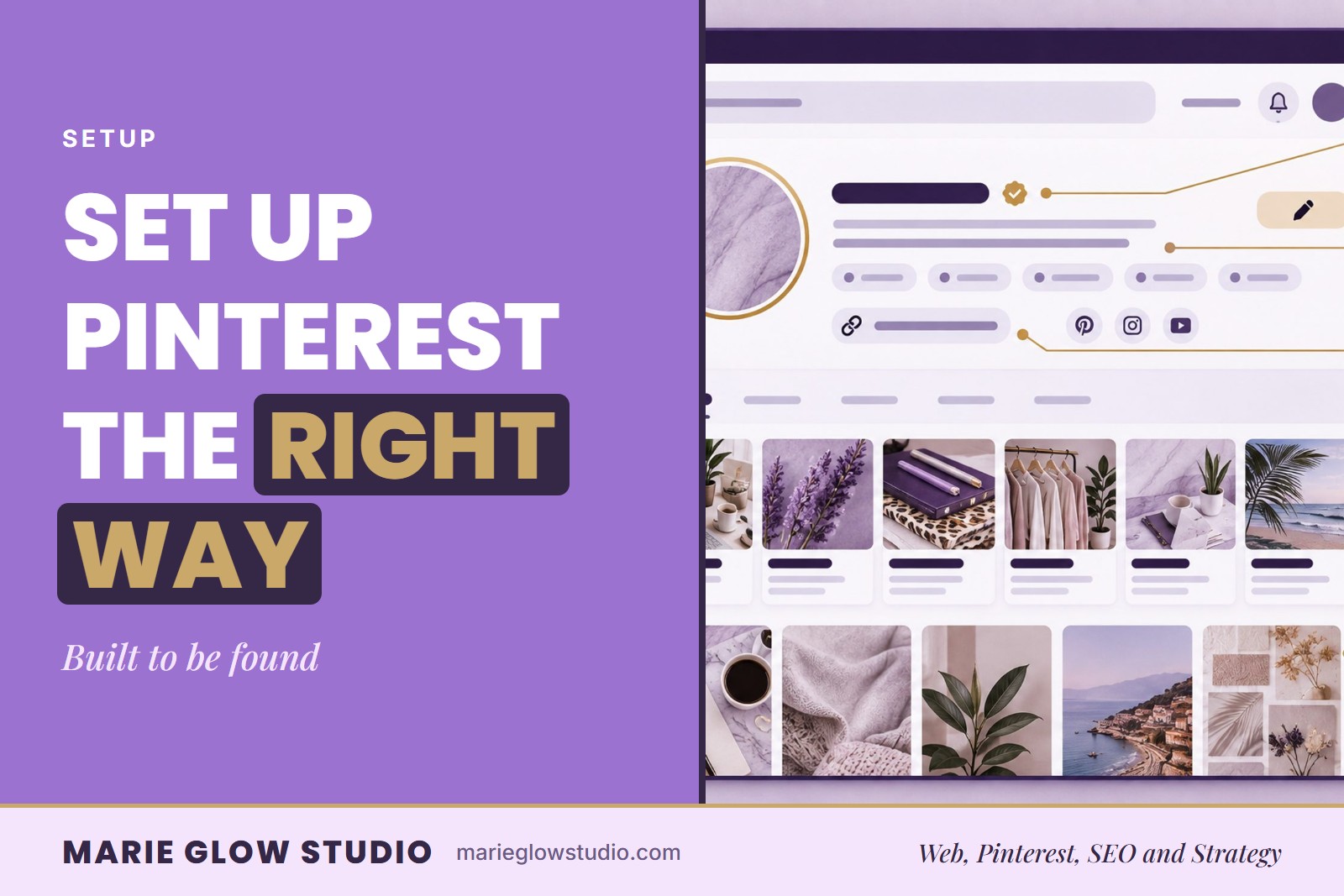
A Pinterest account you technically 'set up' two years ago and one that's actually built to be found are two very different things: here's what the second one requires. A correctly set up Pinterest business account has the right account type, a clear profile, keyword-focused boards, a connected website and a publishing plan.
What does a correctly set up Pinterest business account include?
It has five parts, built in this order: the account type, the profile name and bio, a small set of boards, a verified website connection, and a workflow for publishing. Each part gives the next one something to agree with, so skipping ahead usually means going back later.
You do not have to learn every detail at once. Start with the five parts below, and use the Pinterest business account setup checklist when you want the same steps as a tick-off list.
Should you start a new business account or convert your personal one?
Choose a business account whenever Pinterest is part of how you sell or promote, and link it to something real on your site, such as an offer, a product or a useful resource. A business account also gives you access to analytics, which you will want once Pins are live.
If you already have a personal account, you can convert it. Before you do, decide what happens to the old personal content, because leaving it mixed into the business account blurs what the account is about.
What should your profile name and bio say?
They should say what your business offers, in words a customer would use. A clever name that hides the offer gives a searcher nothing to go on, so pair it with plain language about what you sell or teach, then check that the bio accurately describes what you post.
Specific wording does the most work. "Small business ideas" is a wide net, while "Pinterest SEO for handmade product businesses" tells Pinterest and the reader exactly who the account is for. The Pinterest profile SEO guide goes through the profile field by field.
How many boards do you need to start with?
Start with a small set of boards, each built around one topic your customers search for. Creating too many vague boards at once is an easy way to blur an account, and it is harder to tidy up later than to plan well at the start.
Name each board with the phrase a customer would type, not a cute label. Pinterest board SEO covers titles, descriptions and how to group your topics.
Why connect and verify your website before you publish?
Because every Pin needs a real destination, and publishing before the website is ready sends visitors to a page that cannot serve them. Connect and verify the website, or the supported integration for your platform, then confirm that the page each Pin will lead to is live and useful.
If your store runs on Shopify, this is also the moment to check how it connects to Pinterest. Write down what you chose, so later content stays organized.
What should your publishing plan look like at the start?
It should be small enough that you will actually keep it up. Prepare branded content in one consistent look, and decide which page each Pin leads to before you design it. A steady routine is easier to sustain, and easier to learn from, than a burst of Pins that stops after two weeks.
In the first weeks after setup, check that the basics hold. Every Pin should open the page it promises, each board should hold what its title says, and the profile should read the way you intended. Performance numbers come later, and a finished setup cannot promise traffic or sales. Note what you changed and when, so that later results can be traced back to a decision.
Do you have to set up the account yourself?
No. Marie Glow Studio's Pinterest Business Account Setup and SEO Optimization creates or rebuilds the foundation for you. It covers an SEO-focused profile, keyword research, board strategy across up to 10 boards, 10 custom Pins with SEO titles and descriptions, website connection support and a 30 day launch plan.
It is delivered 10 to 15 business days after your information and access are received, and it builds the foundation only, so ongoing posting is separate. If you already have an account and are not sure what needs fixing, the Pinterest SEO Audit reviews it first, and the Pinterest marketing FAQs explain which service fits which situation.
Frequently asked questions
Can I convert my personal Pinterest account into a business account?
Yes. You can choose a business account or convert an existing one, and it should be tied to a real offer or resource on your website. Decide first what to do with old personal content, because leaving it mixed in blurs the focus of the account.
Should I start publishing Pins before my website is ready?
No. Publishing before the website and account foundation are ready sends visitors to pages that cannot serve them. Finish connecting and verifying the website first.
How long does Pinterest Business Account Setup take?
It is delivered 10 to 15 business days after Marie Glow Studio has received all required information and account access. It builds the account foundation and does not include ongoing posting.
Keep reading
Pinterest Profile SEO: What to Optimize
Your profile is where Pinterest first learns what your account is about. Here is what to optimize: the name, the bio, the topics and the website connection.

Pinterest Board SEO: Titles, Descriptions, and Organization
A cute board name has no search value. Here is how to title and describe boards, group them around real business topics and tidy up the ones that no longer fit.

Pinterest Business Account Setup Checklist
Eight steps, in order, from creating the account to reviewing analytics after 30 days. Work through it once, then keep it for the next account you set up.