Shopify SEO for Small Businesses: 15 Easy Ways to Get More Organic Traffic
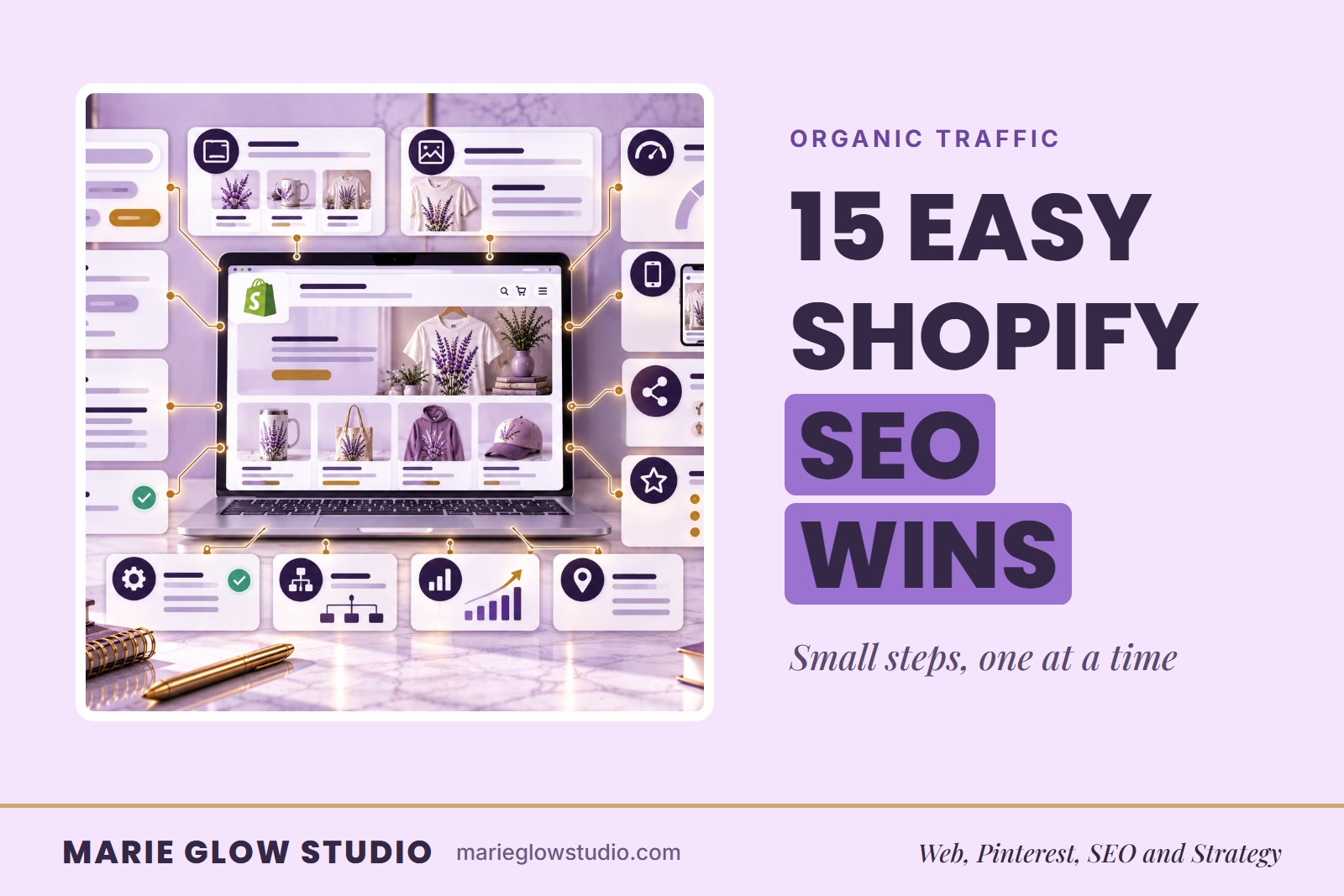
I used to hear 'keywords' and 'metadata' and want to close the tab. I made almost every SEO mistake on this list myself. Here's what actually fixed it, one small step at a time. Shopify SEO helps search engines understand your products, collections, pages and blog posts so the right shoppers can find your store.
If you have built a Shopify store but are not getting consistent visitors from Google, you are not alone. Many small business owners focus on creating products and overlook search engine optimization. I understand, because I used to avoid SEO whenever I could.
When I first started my Shopify business, I spent hours creating products and almost no time helping people find them. Eventually I realized that even the most beautiful online store cannot make sales if nobody can find it. Once I stopped trying to master SEO overnight and focused on one small improvement at a time, my products became easier to discover, my blog started bringing in visitors, and SEO became one of my favorite parts of growing my business. If you are still early in building yours, you may also like my guide on how to start a product-based business from home.
What is Shopify SEO and why does it matter for small businesses?
Shopify SEO is the process of optimizing your online store so search engines can understand your content and match it with people searching for your products or services. It matters because a store that cannot be found cannot sell.
SEO is not about tricking Google. It is about making your website easier for both search engines and real people to understand. That shift made it much less intimidating for me. Instead of chasing algorithms, I ask one question: Would this page genuinely help someone searching for this?
What are the 15 easy ways to improve Shopify SEO?
Every step below comes from this guide. The sections that follow explain the product page, collection page, meta, image and internal linking steps in more detail.
- Review your current Shopify traffic sources.
- Find which pages already get visits.
- Choose one product, collection or blog post to improve first.
- Write a unique description for every product instead of pasting short ones.
- Use descriptive headings and answer customer questions on product pages.
- Include relevant keywords naturally.
- Add a helpful description to each collection page.
- Organize products into collections in a logical way.
- Write a clear meta title for every important page.
- Write a meta description that earns the click.
- Give product images descriptive filenames and compress them.
- Write meaningful alt text.
- Link related pages to each other.
- Publish blog posts that answer customer questions.
- Fix the common mistakes below: duplicate content, keyword stuffing, broken links and outdated pages.
How does Shopify SEO bring in more organic traffic?
Strong SEO improves visibility, attracts visitors with buying intent and builds long-term traffic without relying entirely on paid advertising. It also takes patience. I used to check my analytics every day hoping for a spike, and most days nothing happened.
Unlike social media, where a post can disappear quickly, a well-optimized product page or blog post can keep bringing visitors for months or even years. Google is one search engine, and Pinterest works as another that can keep sending visitors to your site. If you are ready to expand beyond Google, see Pinterest SEO strategy.
To begin, review your traffic sources, note which pages already get visits and pick one product, collection or blog post to improve first.
How do you optimize Shopify product pages for SEO?
Write a unique description for each product, use descriptive headings, answer customer questions and include relevant keywords naturally. One of my biggest mistakes was pasting in short descriptions that told shoppers almost nothing, did not answer questions and gave Google very little to work with.
Now I treat every product page like its own small sales page. I explain who the product is for, what makes it useful and why someone would want it. The full method is in how to create product listings that convert.
How do you improve Shopify collection pages?
Collection pages are often overlooked, but they can be strong SEO pages. Add a useful collection description, organize products logically and help shoppers see quickly what they will find.
For the longest time I ignored mine. They were simply a grid of products with no description at all. Once I added helpful introductions with the right keywords, those pages became more useful to both visitors and search engines.
How do you write SEO-friendly meta titles and descriptions?
Every important Shopify page should have a meta title and meta description that accurately reflect the content and encourage a click. I used to skip meta descriptions because I assumed nobody read them.
Then I realized they are often the first thing someone sees in Google search results. A good meta description does not just help SEO. It helps convince someone to click on your store instead of someone else's.
How do you optimize images for Shopify SEO?
Use descriptive filenames, compress images so pages load faster and write meaningful alt text that helps accessibility while supporting your SEO. I learned this one the hard way: my images had filenames like IMG_4839.jpg, which tells Google nothing. Now every product image gets a descriptive filename and alt text before I upload it.
How does internal linking help Shopify SEO?
Internal links connect related pages on your site. They help visitors keep learning and help search engines understand how your content is organized.
Once I started blogging consistently, I saw how many chances I had to connect pages. If I am writing about Shopify SEO, it makes sense to link to helpful resources, related blog posts and service pages where readers can take the next step, like the Shopify store optimization checklist. If you would rather have help, the Complete Website and Brand Identity at Marie Glow Studio includes full Shopify setup, navigation and up to 20 products uploaded and organized with basic SEO. The full range is on the Shopify web design page.
What Shopify SEO mistakes should you avoid?
The most common are duplicate content, keyword stuffing, missing alt text, broken links, outdated pages and product descriptions that are too short. I made almost every one: I skipped alt text, ignored collection descriptions, reused product descriptions and had pages with almost no content.
The good news is that none of those mistakes permanently ruined my business. I fixed them one step at a time, and you can too.
Where should you start with Shopify SEO?
Start with one small task this week. SEO is not something you finish. It is something you improve a little every week, and small improvements add up over time to more traffic, more visibility and more chances for customers to discover your business.
You do not have to become an SEO expert overnight. Update one product description, add alt text to a few images, improve one collection description or write a better meta title. Then choose another next week.
If you are improving your store yourself, browse my curated Web Designer’s Must-Haves for useful design resources and workspace ideas.
This post may contain affiliate links. I may earn a commission if you purchase through one of these links, at no additional cost to you.
Frequently asked questions
How long does Shopify SEO take?
SEO improvements usually take several weeks to several months depending on your niche, competition, and how consistently you optimize your website.
Do I need a blog for Shopify SEO?
A blog helps you target additional keywords, answer customer questions, and build more opportunities for people to discover your Shopify store through search.
Can beginners do Shopify SEO?
Yes. Many Shopify SEO improvements, such as optimizing titles, descriptions, headings, images, and internal links, can be done without advanced technical knowledge.
Keep reading
Shopify Store Optimization Checklist for Small Businesses
A Shopify store does not need endless features to convert better. Start with navigation, collections, product pages and mobile, in this order.
How to Create Product Listings That Convert
A product page has to explain what it is, who it is for and why to trust it without you in the room. Here is how to write listings that answer those questions.
Pinterest SEO for Shopify Stores: A Beginner's Guide
How to connect a Shopify store to Pinterest so product and collection pages match what shoppers search for.