When to Use an Idea Pin vs. a Standard Pin for Your Business
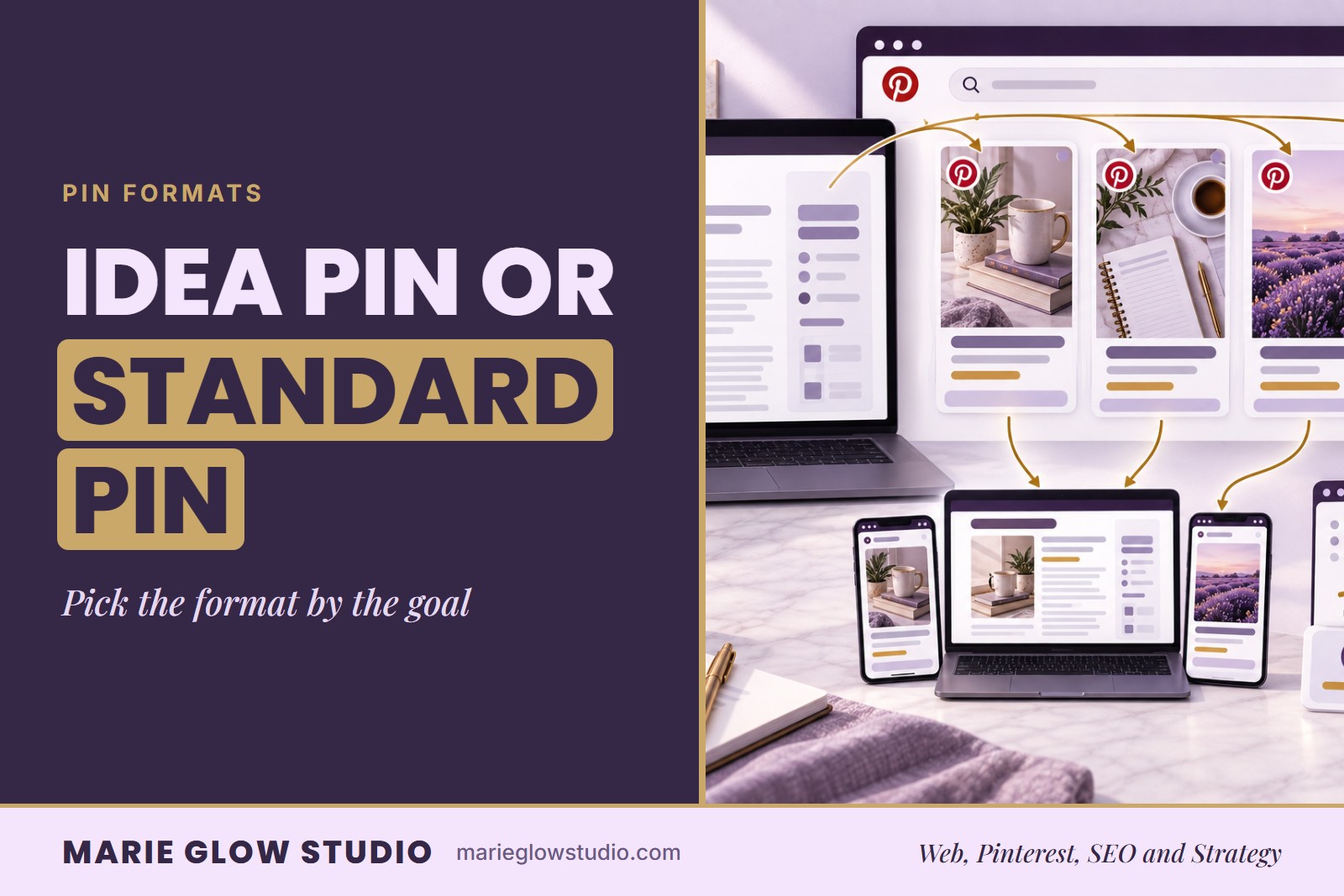
A standard pin is the better default when the goal is clicks to your website, since it is the format built to carry an outbound link. An Idea Pin earns more watch time and helps people recognize your brand the next time they see your work, even though it cannot link out. Match the format to the goal, not habit.
What Is the Difference Between an Idea Pin and a Standard Pin?
A standard pin is a single image or graphic with a title, a description and a link to a page on your website. An Idea Pin is a multi page, often video led format built to be watched inside Pinterest, and it does not carry a clickable link to an outside page the way a standard pin does. That one difference, a link or no link, is what should decide which format you post for a given goal.
| Question | Standard pin | Idea Pin |
|---|---|---|
| Can it link to a page on your website? | Yes | No |
| Best for | Clicks and traffic | Watch time and recall |
| Format | One image | Multiple pages or a short video |
| Needs a landing page ready? | Yes | No |
When Should You Post a Standard Pin Instead of an Idea Pin?
Post a standard pin whenever the goal is to send someone from Pinterest to a specific page: a product, a service page, a blog post or a booking form. Since a standard pin is the format that carries the link, it is the default choice for anything meant to turn into a visit, an inquiry or a sale.
A standard pin is the right call when:
- A new product or offer just went live and needs traffic to its page
- A blog post is published and needs readers sent back to the site
- A service business has a booking page, quote form or contact page ready for an inquiry
- An older, well performing page could use a fresh pin pointed at it
A product shop promoting a new item, a coach promoting a scheduling page, or a post that needs a pin designed to earn a click all call for a standard pin first.
When Does an Idea Pin Do More for a Business?
An Idea Pin is worth the extra production time when the goal is watch time and brand recall rather than an immediate click. Because it plays inside Pinterest and can hold several pages or short video segments, it keeps attention longer and gives a business more room to show its personality, process or behind the scenes work than a single image can.
An Idea Pin does more for a business when:
- The content is process or behind the scenes footage rather than a single finished product shot
- There is no landing page ready yet for what the pin shows
- The goal is to be recognized, so a viewer notices your next pin before reading the title
- A short video clip already exists and can be repurposed instead of built from scratch
Do Service Businesses Need Idea Pins Too?
Yes, and Idea Pins fit a service business well, because so much of what a salon, a contractor or a consultant sells is trust rather than a shippable product. A short Idea Pin walking through a process, a before and after, or a few seconds of the actual work builds a kind of recognition a single static image cannot.
The path still ends the same way for a service business. Once that recognition exists, a standard pin with a link to the booking page or the contact form is what turns it into an inquiry. The Idea Pin builds the trust; the standard pin asks for the next step.
How Should the Two Formats Split Across a Content Calendar?
Most weeks call for more standard pins than Idea Pins, since traffic and clicks stay the priority for a small business account. A simple way to plan the mix, instead of deciding format pin by pin, is to work through it once a week:
- List anything that already has a link ready to go: a product, a blog post, a service page, an offer
- Turn each of those into a standard pin first, since it is the format that can carry the link
- Pick one piece of process, behind the scenes or personality content that does not need a landing page yet, and turn it into an Idea Pin
- Repeat the same split the next week, so the choice is made once instead of every time you sit down to pin
Planning the mix ahead of time, the way a Pinterest content calendar does, keeps a business from defaulting to whichever format is easier that day instead of the one the goal actually calls for.
How Do You Know Which Format Is Working?
Compare each format against the goal it was posted for, not against each other. A standard pin is working when it sends clicks to the page it links to. An Idea Pin is working when it holds watch time and earns repeat views, since it was never built to drive a click in the first place.
Judging an Idea Pin by clicks, or a standard pin by watch time, measures the wrong thing for the format. Track each pin against the job it was posted to do, and the mix of formats starts to make more sense than a rule of always post one or the other.
If deciding which format to use for every single pin feels like one more task on an already full week, Monthly Pinterest Management handles the keyword research, content planning and custom branded pin graphics for your standard pins as part of an ongoing content calendar, so that side of the decision gets made as part of the strategy instead of in the moment.
Frequently asked questions
Can an Idea Pin link to a website?
No. An Idea Pin does not carry an outbound link the way a standard pin does, which is why a standard pin is the better choice whenever the goal is a click to a specific page.
How many Idea Pins should a small business post each week?
A useful starting point is to post more standard pins than Idea Pins most weeks, since clicks and traffic stay the priority for most small business accounts, and to use an Idea Pin when the content is process or behind the scenes work with no landing page ready yet.
Are Idea Pins worth it for a service business with no physical product to show?
Yes. A short Idea Pin showing a process, a before and after, or a few seconds of real work builds the kind of recognition a single static image cannot, though the booking or contact link still needs to live on a standard pin.
Keep reading

How to Create Pinterest Pins That Get Clicks
A pretty Pin and a clickable Pin are not the same thing. This guide covers the goal, keyword, layout, text, destination, title and description, plus a checklist to run before you publish.

How to Create a Pinterest Content Calendar
A five step Pinterest content calendar that turns your pages, keywords and seasons into a realistic publishing plan.
Pinterest Management Services: What They Include
What a Pinterest management service does each month, what Marie Glow Studio includes in every tier, and what you need to bring to it.