10 Signs Your Website Needs a Redesign
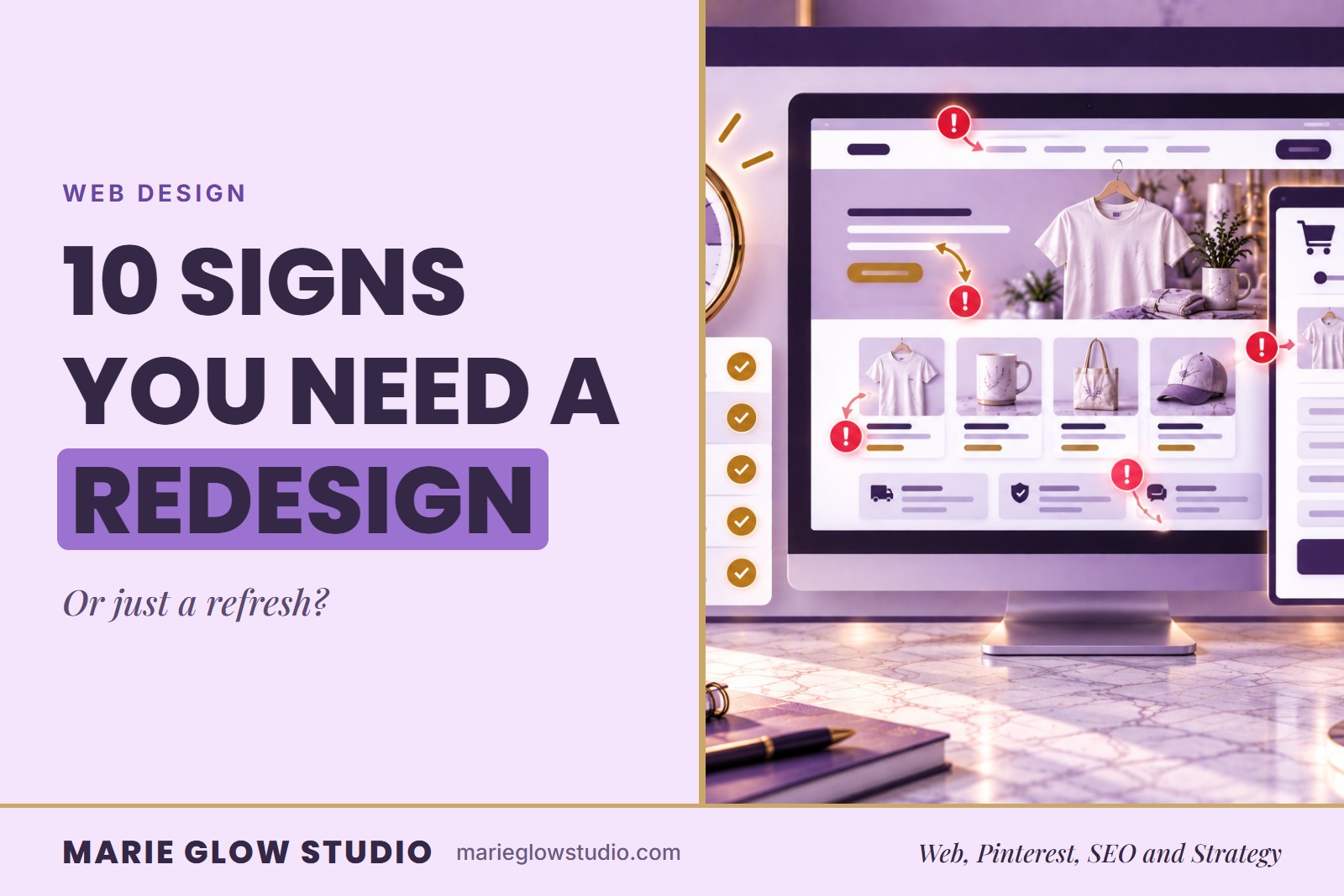
A website can look finished and still be quietly losing you customers. Here's how to tell the difference between 'looks a little dated' and 'is actually costing you sales.' A website needs a redesign when its structure, mobile experience, speed or branding makes it hard for customers to understand the business and take action.
Your website does not have to be perfect to work well. It does need to say clearly who you help, what you offer and what someone should do next. When a site feels confusing, slow, outdated or hard to use, visitors may leave before they understand the value of your business.
Why does spotting the signs early matter?
Spotting the signs early lets you fix user experience, outdated design and performance problems before they cost you trust, traffic and conversions. A redesign is not about changing colors or choosing a prettier theme. It improves how your site communicates, guides visitors, supports SEO and helps people take action.
For small business owners, Shopify stores, handmade sellers and service providers, the website is often where trust is built or lost. Social media can introduce people to your brand, but your website is where they decide whether to read more, shop, contact you, join your list or move on.
The goal of a redesign is not to make your site look trendy. The goal is to make it clearer, easier to use and more aligned with your brand, so it is ready to support growth.
What are the 10 signs your website needs a redesign?
The ten signs are an outdated or inconsistent design, an unclear offer, a frustrating mobile experience, confusing navigation, slow pages, no leads or sales, missing SEO basics, a site that no longer matches your offers, feeling embarrassed to share it, and pages with no clear next step.
1. Your design looks outdated or no longer matches your brand
One of the clearest signs is that the site no longer matches the quality of your current brand. Maybe your brand colors have changed, your photos are old, your logo looks inconsistent or the branding varies from page to page.
An outdated website can make a strong business look less trustworthy than it is, because visitors often judge the visuals before they read a word. A redesign brings your visuals, messaging and customer experience into line so the site feels like the business you are building now.
2. Visitors cannot quickly tell what you offer
Someone landing on your homepage should understand who you help, what you offer and what step to take next. Vague statements, unclear sections and too many competing offers leave visitors unsure where to go.
This is common in businesses that have grown over time. You add a service, a product, a resource, and eventually the site becomes a collection of pieces instead of a clear path. A redesign reorganizes the content around your current customer journey.
3. Your mobile experience is frustrating
Many visitors see your site from a phone first, especially if they arrive from Pinterest, Instagram, email or Google. Tiny text, buttons that are hard to tap, awkwardly cropped images, confusing menus and pages that need too much pinching or scrolling are all signs of a poor mobile experience.
If your most important content is hard to find on a phone, a redesign may be needed to protect conversions.
4. Your navigation makes people guess
Too many menu options, unclear labels and hidden key pages send visitors away before they explore your offers. On a Shopify store, confusing navigation also hurts product discovery: if shoppers cannot find collections, best sellers, gift ideas or categories, they browse less.
A redesign can simplify the menu, organize your collections or services and create a natural path from the homepage to the next step.
5. Your pages load slowly
Large images, too many apps, heavy video files, outdated code and unnecessary design elements can all slow a page down. You do not have to remove personality to be faster, but the design does need to balance looks with function.
A redesign is a chance to clean up old sections, compress images and remove unused apps.
6. Visitors arrive but do not act
If people visit but do not buy, book or contact you, the problem may be the page experience rather than the traffic. A site that converts usually has clear messaging, strong calls to action, trust signals, easy navigation, helpful details and a simple path forward.
For service providers, that can mean a clear way to book a consultation or explore services. For Shopify stores, it can mean better product pages, collection pages, descriptions, FAQs, reviews and related product suggestions. Start with how to create product listings that convert if your product pages are the weak spot.
7. Your SEO basics are missing
Missing SEO titles, weak meta descriptions, unclear headings, generic image filenames, duplicate content and poor internal linking make it harder for search engines and visitors to understand your site.
Good SEO does not mean stuffing keywords into every section. It means organized pages with clear titles, useful headings, descriptive copy and logical links between related content. If your site was built quickly or without SEO in mind, a redesign can lay a stronger foundation. The steps in Shopify SEO for small businesses are a good place to begin.
8. Your website no longer matches your offers
Businesses evolve. You may have added a second service, moved from custom products to Shopify design, or shifted from general content to Pinterest marketing. If the site still reflects an older version of your business, visitors may feel confused.
Your website should support what you want to sell now, not only what you used to sell. When your offers change, the homepage, service pages, navigation, calls to action and internal links should change with them.
9. You feel embarrassed to share your website
This sign is easy to overlook, but it matters. If you avoid sharing your website because it does not feel professional, clear or on brand, that hesitation holds back your marketing.
You should feel confident sending people to your site from Pinterest, email, social media, business cards, packaging inserts and everyday conversations.
10. Your pages do not guide visitors to a next step
Every important page needs a purpose. A blog post can lead to a related guide, a service page to a consultation, and a product page to the cart, a related collection or a helpful FAQ.
If pages simply end, visitors may leave even when they liked what they saw. A redesign can add calls to action, internal links, lead magnets, related products and service pathways so the site works harder for you.
Should you redesign your website or just refresh it?
If the main problem is cosmetic, start with a refresh. If the main problem is confusion, poor conversions, weak structure or an outdated strategy, a redesign is usually the better choice.
| Option | What it changes | Choose it when |
|---|---|---|
| Refresh | Specific pieces such as images, copy, colors, calls to action or SEO details | The main problem is cosmetic |
| Redesign | Structure, layout, navigation, customer journey and visual system | The main problem is confusion, poor conversions, weak structure or outdated strategy |
| Rebuild | The platform, theme, apps or technical foundation | What you have now no longer supports your goals |
What redesign mistakes should you avoid?
These seven redesign mistakes are worth checking for before you start:
- Choosing a theme before clarifying your website goals.
- Redesigning for looks only and ignoring the customer journey.
- Removing important SEO content without a redirect or content plan.
- Hiding key information inside too many dropdowns, sliders or tabs.
- Using vague calls to action like Learn More everywhere.
- Forgetting to test the website on mobile before launch.
- Launching without checking forms, checkout, links and page speed.
What should you do before you redesign?
Gather what already works and write down what you want visitors to do, so the redesign protects your existing visibility.
- Review your analytics to find your most visited pages before changing the site structure.
- Write down the top three actions you want visitors to take.
- Audit your navigation and remove pages that no longer support your goals.
- Save your existing SEO titles, meta descriptions, URLs and top-performing content.
- Create a simple launch checklist so forms, links, products, collections and mobile layouts are tested.
Where can you get help with a redesign?
Marie Glow Studio designs Shopify websites for small business owners and product-based brands that want a clearer, more professional site. If a single page is enough for now, the Website Starter is a mobile-responsive one-page site delivered within 5 business days of a completed intake. It does not include e-commerce, so a store that sells products needs the Complete Website and Brand Identity instead. To see every option side by side, visit Shopify web design.
Not sure how to tell if the problem is the site or something else? The two-minute website check is a quick way to find out.
If you are planning a redesign or improving your home design setup, browse my curated Web Designer’s Must-Haves.
This post may contain affiliate links. I may earn a commission if you purchase through one of these links, at no additional cost to you.
Frequently asked questions
How often should a small business redesign its website?
There is no one-size-fits-all timeline. Many businesses review their website every year and consider a larger redesign when their brand, offers, platform, or customer journey has changed significantly.
Do I need a full website redesign or just a refresh?
If your site still works well but feels visually outdated, a refresh may be enough. If the structure, navigation, mobile experience, SEO, or conversion path is weak, a full redesign may be more helpful.
Can a website redesign hurt SEO?
It can if pages are removed, URLs change without redirects, or important content is deleted. A redesign should include an SEO plan so existing visibility is protected as much as possible.
What should I fix first if I cannot redesign everything?
Start with the pages that matter most: your homepage, primary service or product pages, contact page, and highest-traffic blog posts. Improve clarity, calls to action, mobile layout, and internal links first.
Keep reading
Is Your Website Costing You Customers? Here's How to Find Out in Just 2 Minutes
If your site looks fine but nobody is contacting you, it may be costing you customers. A two-minute check of the six places visitors usually get stuck.
Website Mistakes That Hurt Conversions
A polished site can still make buying harder than it should be. These eight small mistakes are the ones worth checking first, with a plain fix for each.
Small Business Website Essentials: What Every Site Needs
A website does not need to do everything. It needs twelve specific things done well, from the homepage message to policies and a way to stay connected.