How to Use Pinterest's Search Bar Autocomplete for Free Keyword Ideas
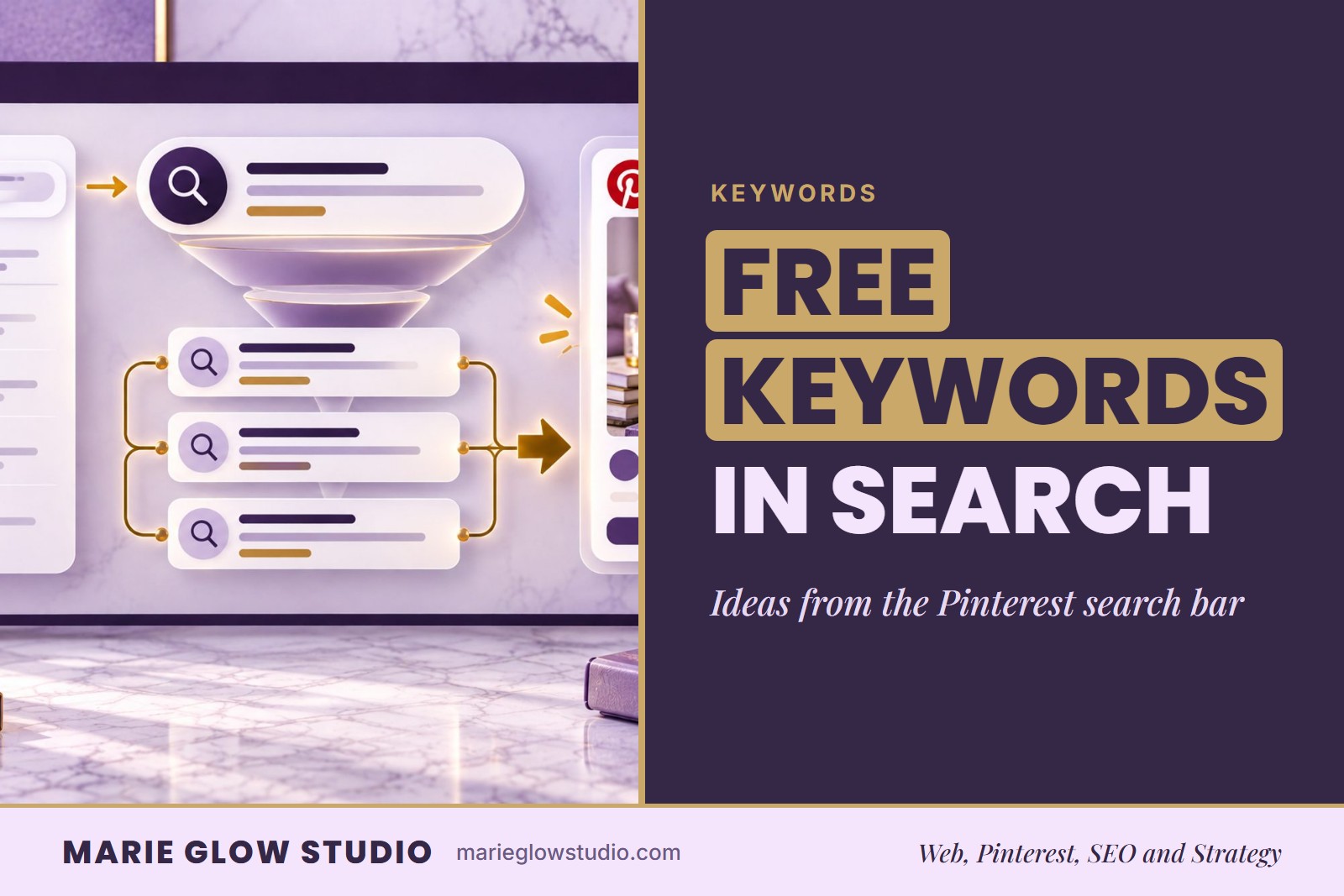
Pinterest keyword search bar suggestions are a free source of keyword ideas. Type a word that describes what you offer into the Pinterest search bar, and the dropdown lists longer phrases that people search for. Save the ones that fit a page on your website, then use them in pin titles, descriptions and boards.
What Are Pinterest Search Bar Suggestions?
Pinterest shows two kinds of suggestions while someone searches. The first is the autocomplete dropdown: as you type, a list of phrases appears under the search bar and tries to finish your thought. The second is the set of guided search tiles that appear beneath the search bar on the results page, offering related words that narrow the search.
Both are written in the words searchers use, which is why they work as keyword research. Neal Schaffer explains that these suggestions come from real searches by Pinterest users. You are reading how customers word what they want instead of guessing at it.
You do not have to learn a keyword tool to use them. The search bar costs nothing and needs no new software, so it is a practical place to start if you are not tech savvy and want your first keyword list today.
How Do You Collect Keyword Ideas From the Autocomplete Dropdown?
Start with one plain word for what you sell or do, type it into the search bar, and write down every phrase the dropdown offers. Then repeat with a different starting word. A simple first pass looks like this:
- Choose one starting word that names your product, your service or the problem you solve.
- Type it into the Pinterest search bar and stop before you press enter. Copy each phrase in the dropdown into a notes document or spreadsheet.
- Add a second word after your starting word and note what the dropdown adds each time.
- Try the words a customer would use before they know your business exists, such as an occasion, a question or a result they want.
- Write the date beside your list. The suggestions are live, so they can change, and a dated list shows you what you saw and when.
Treat what you collect as a sample, not a fixed ranking. The goal is a page of real phrases in real customer wording, not every suggestion Pinterest could ever show.
What Do the Guided Search Tiles Add to Your Keyword Research?
The guided search tiles add direction. After you search a phrase, the tiles beneath the search bar show related words you can tap to narrow the results, and each tap gives you a longer, more specific phrase to note.
Where the dropdown shows how people finish a thought, the tiles show how Pinterest suggests refining one. That makes them useful for finding modifiers such as a style, an audience or an occasion. Tap a tile, note the new phrase, then tap another to go one level deeper. The result is the kind of specific phrase covered in our guide to finding long tail keywords on Pinterest.
| Where you see it | What it shows | How to use it |
|---|---|---|
| Search bar dropdown | Phrases that complete what you type | Find the words customers use for your product or problem |
| Guided search tiles | Related words that narrow a search | Add a style, audience or occasion to a phrase |
| The results themselves | The pins already answering that phrase | Check that the phrase means what you think it means |
How Do You Choose Which Suggestions to Keep?
Keep a suggestion when it matches something you really offer, points to a page on your website that answers it, and reads like something a customer would type. The search bar gives you phrasing, not search volume numbers, so judge each phrase by fit rather than by its position in the list.
Ask three questions of every phrase on your list:
- Would a customer type this when they want what I offer?
- Do I have a page that fully answers it, so a click has somewhere useful to land?
- Does it describe one clear idea, or is it too broad to tell what the searcher wants?
A phrase that passes all three goes on your keyword list next to the page it belongs to. A phrase that fails the second question is a content idea, not a keyword, until that page exists. Sending every pin to the homepage is a common mistake, and pairing each phrase with its own page prevents it.
Where Do the Keywords You Collect Go?
Each keyword goes on the pin, the board and the page that match it. Use your main phrase in the pin title and the first line of the description, and use the secondary phrases in board names, board descriptions and later pins for the same page. Write in full, natural sentences, because a keyword should support the reading, not replace it.
Our post on where to use keywords on Pinterest maps every placement. For the wider process of turning a list into a plan, see how to do Pinterest keyword research, and for other sources beyond the search bar, including Pinterest Trends, see Pinterest keyword research tools for small businesses. A simple keyword map, with one row per phrase and the page it points to, keeps the decisions in one place.
Can a Service Business Use Search Bar Suggestions Too?
Yes. A salon, a contractor or a coach can use the same method, and the only change is the starting word. Instead of an item, begin with the problem a customer wants solved, the project they are planning or the result they hope for, written the way they would say it out loud.
A service business often has fewer pages to promote than a shop has products, so one well chosen phrase per page is a good start. Match each phrase to a service page, a booking or inquiry page, or a helpful post, and keep the wording plain. A reader deciding whether to contact you is looking for a clear answer, not a clever headline.
What Are the Limits of Search Bar Suggestions?
Search bar suggestions give you phrasing, not proof. They do not show how many people search a phrase, and no list of keywords can promise traffic or sales. What happens next is shaped by your niche, the competition, the quality of your pins and site, and how steadily you show up.
A good phrase still needs a clear pin and a useful page behind it. If you would rather not sort this out alone, the Pinterest SEO Audit from Marie Glow Studio checks the keywords on your profile, boards and pins, and gives you a ranked 30 day action plan in a single document within 4 business days.
Frequently asked questions
Is the Pinterest search bar a good source of free keyword ideas?
Yes. The autocomplete dropdown and the guided search tiles show phrases in the words people use when they search Pinterest, so they are a free starting point for a keyword list. They show phrasing, not search volume, so check that each phrase fits a real page on your website.
What are the guided search tiles on Pinterest?
Guided search tiles are the related words that appear beneath the search bar on the results page. Tapping one narrows the search and gives you a longer, more specific phrase you can note as a keyword idea.
Do Pinterest search bar suggestions show how many people search a phrase?
No. The search bar shows the wording of a phrase, not how many people search it, so choose keywords by how well they match what you offer and a page that answers them, not by their place in the list.
Keep reading

Where to Use Keywords on Pinterest
A literal placement map for Pinterest keywords: seven places they belong, from your profile bio to the headline of the page each Pin links to.
How to Do Pinterest Keyword Research
The five step process for Pinterest keyword research, start to finish: where to find keywords, how to know which are worth using, and where they go once you choose them.

How to Find Long-Tail Keywords on Pinterest
Long-tail keywords are specific phrases that reach a smaller, more ready to act audience. Learn how they differ from broad terms, where to find them and how to use one per Pin.