Pinterest as a Search Engine: How It Works for Small Businesses
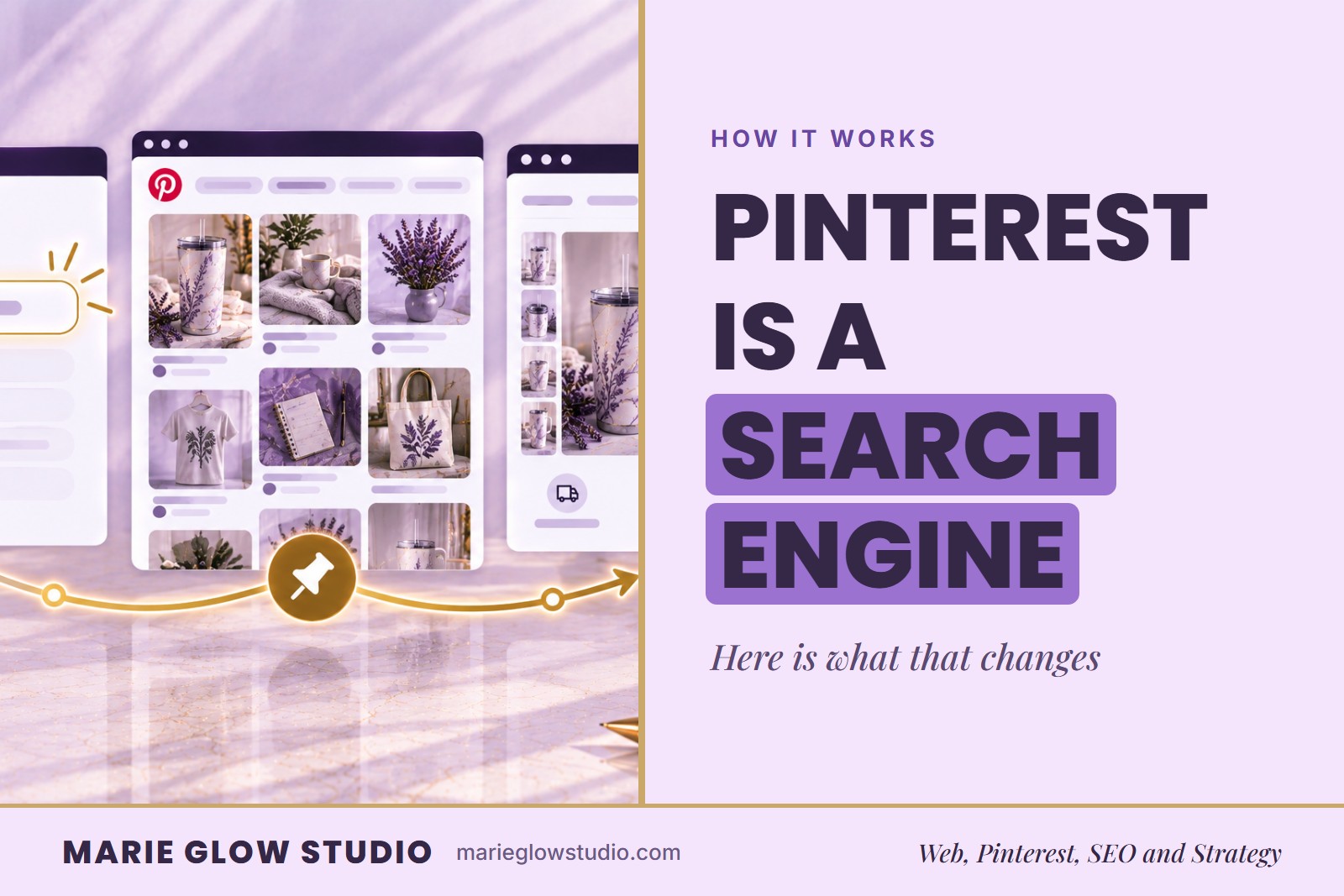
If you've ever typed a project idea into Pinterest and found exactly what you needed, you've already used it as a search engine. You just didn't think of it that way. For a small business, that distinction changes everything about how you should be using it.
Pinterest is a visual search and discovery platform. People type in an idea or follow related recommendations, and Pinterest matches them with Pins it considers relevant. Your job is to make sure the right searcher can find the right Pin, and that the click lands on a page that keeps the promise.
How does Pinterest work as a search engine?
Pinterest works as a search engine because people arrive with something to find. They search for products, services, ideas, inspiration and solutions, and Pinterest returns Pins that fit. A social feed, by comparison, mostly shows you what the people you follow have posted.
It also changes how long your work lasts. Optimized Pins may keep appearing in search results and sending visitors to your website long after you publish them, so a small business gets more from Pinterest by planning around searches than by chasing trends. Our comparison of Pinterest as a search engine or social media platform sets the two side by side, and how the Pinterest search engine works explains the signals behind what gets shown.
How do you use Pinterest as a search engine, step by step?
Work through these five steps in order, because each one builds on the one before it.
- Decide what each destination page is for. Name the audience and the problem the page solves, and tie it to a real offer or resource on your website.
- Use the phrases your customer would actually search. Write them the way a customer would say them, then check that they describe the content accurately.
- Make the Pin's visual promise match the page it links to. The next action should be obvious, and the Pin should never promise more than the page delivers.
- Publish steadily enough to build a topic history. Keep a note of each decision so your boards and later Pins stay organized.
- Review outbound clicks and saves next to impressions. Look for patterns over weeks, then use them to plan the next round.
The order is deliberate. The page comes first because it is where the searcher ends up. The phrase comes second because it leads there, and the image comes third because it promises what the page delivers.
How specific should your search phrases be?
Specific enough that both Pinterest and the searcher can tell who the Pin is for. "Small business ideas" is broad and could mean almost anything. "Pinterest SEO for handmade product businesses" tells the reader exactly what to expect.
A specific phrase also improves everything built around it: the board the Pin belongs on, the headline on the image and the page it links to, which can now answer the visitor's actual question. Write the phrase the way a customer would say it, and use those exact words in the Pin title so the searcher recognizes their own search in the result. How people search on Pinterest explains why both broad and specific searches matter.
What goes wrong when a shop treats Pinterest like a feed?
- Keywords so broad that nobody can tell what the searcher wants.
- Linking every Pin to your homepage, so a searcher who wanted one specific thing has to hunt for it.
- Changing the plan every week, before there is enough data to show what worked.
- Reading impressions as the only proof that something worked.
The first two make it harder for a searcher to find and reach the right page, and the last two make it harder for you to learn from what happened.
What can a low outbound click count tell you about the Pin and the page?
A Pin that is shown often but rarely clicked is being seen and passed over, which usually points to step three: the visual promise and the page may not match what the searcher expected. Check that the image and title describe what is really on the page before you change anything else.
Saves with few clicks tell a slightly different story. People like the idea enough to keep it, but the page may not yet look like the natural next step, so tighten the link between the Pin and the page it opens. No number here is a promise, since what a Pin earns still varies with what you sell and who else is selling it.
Do you have to work all of this out yourself?
No. If you already have an account and want a prioritized plan, the Pinterest SEO Audit from Marie Glow Studio reviews your profile, boards, keywords and Pins, then ends with a ranked 30-day action plan of what to fix first. It is a one-time review with no monthly contract.
If you would rather hand Pinterest off completely, Monthly Pinterest Management is ongoing, done for you and carries no minimum commitment.
Frequently asked questions
Do Pinterest Pins keep working after they are published?
They can. Optimized Pins may continue appearing in search results and driving traffic long after publication, but how long a Pin keeps working depends on its topic, your niche and how much competition it faces.
What should a Pinterest Pin link to?
The page that best matches what the Pin promises, such as a specific product page, blog post or resource, rather than a general homepage. The match between the Pin and the page is what makes the click useful.
How specific does a Pinterest search phrase need to be?
Specific enough that both Pinterest and the searcher can tell who the Pin is for. A phrase like "Pinterest SEO for handmade product businesses" names the topic and the audience, while "small business ideas" could mean almost anything.
Keep reading
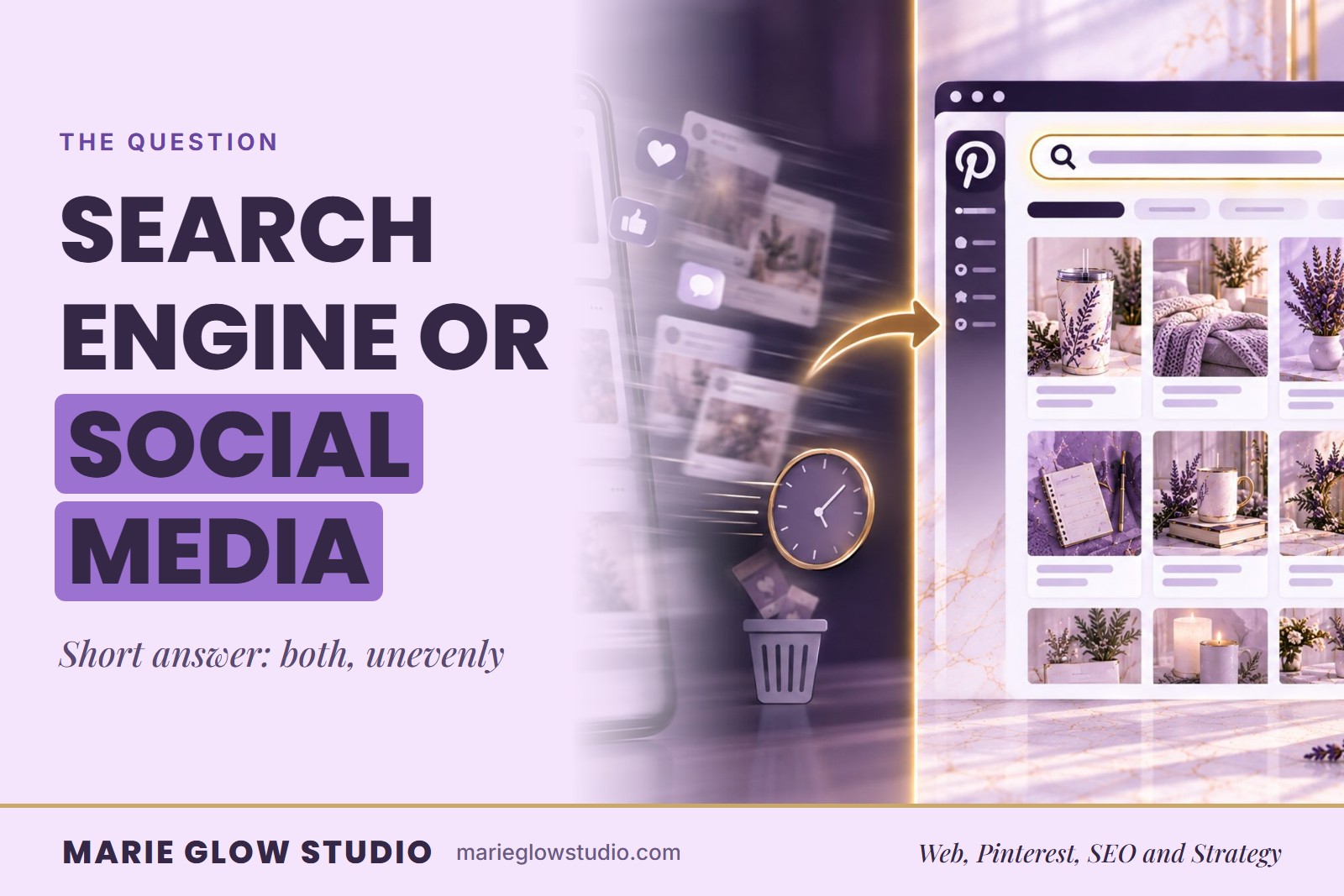
Is Pinterest a Search Engine or Social Media Platform?
Pinterest is both a search engine and a social platform, but it leans toward search. Here is how it differs from Instagram and TikTok, and what that changes.

How the Pinterest Search Engine Works
Pinterest reads your Pin text, your image and how people react to it. Here are the four signals that shape what gets shown, and what they mean for your Pins.
Pinterest SEO for Beginners: A Simple Guide
Pinterest SEO is a simpler idea than it sounds. This plain-language guide shows a beginner where to start, where keywords go and how to tell what is working.