Product Photography Tips That Help Increase Sales
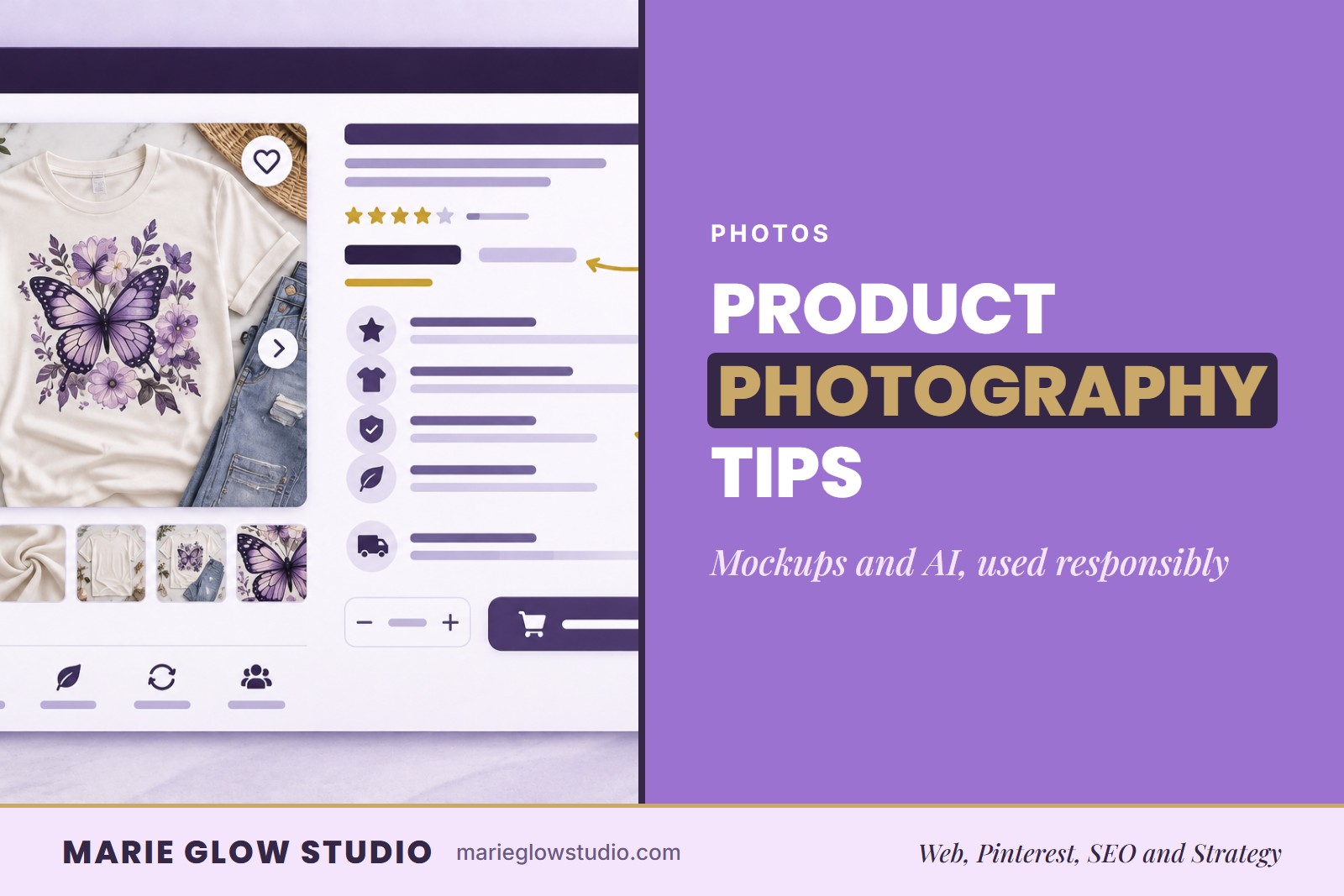
Mockups and AI-generated lifestyle images aren't a shortcut you should be embarrassed about: they're how a lot of small product businesses actually get their first collection launched. Here's how I used them responsibly. Good product photography tips come down to soft light, a clean background, accurate color and enough angles to show what the customer is getting.
When people shop online they cannot hold your product, feel the quality or see it in person, so your photos carry a lot of the decision. You do not need an expensive camera or a professional studio to make photos that help.
Why do product photos build trust?
Product photos build trust because they are the first thing a customer sees, before the description, the rest of the site or anything about your brand. Strong photography can help show important details, reduce hesitation and make the whole shop feel more professional.
Dark, blurry, cluttered or inconsistent images can send a customer away before they ever learn how good the product is.
How should you light product photos?
Soft natural light is the best place to start. Photograph near a window during daylight, away from harsh direct sunlight, and use a bright, neutral surface to bounce light back onto the product.
Good light shows accurate color, texture and detail. Consistent lighting matters more than expensive gear.
How do you choose a background and style the product?
Keep the product as the focus. White backdrops, neutral surfaces, brand-colored backgrounds and simple styled scenes usually work best, because a clean setup lets customers see the details that matter.
When you style a product, choose props that add context without crowding the image. The background should support the product, not compete with it.
Which angles should you show?
Show enough angles that a customer can see exactly what they are buying: front, side and back views, close-up detail shots, a size comparison and a lifestyle photo. Each extra view answers a question before the customer has to ask it.
If your phone or camera lets you set exposure, focus or white balance, keep those settings the same from one photo to the next so colors stay true. A repeatable routine also keeps a full collection looking polished when you photograph in batches.
Are mockups and AI images okay for product photos?
Yes, as long as they are accurate. Many small businesses use mockups, especially for print-on-demand, digital, custom and made-to-order products. Mockups help you launch faster, test new designs, build collections and start selling sooner.
The key is accuracy. Customers should receive something that closely matches what they saw in your listing.
How did I use AI images and mockups when I started?
When I first started creating products for Marie Gems, I did not have every product available to photograph. My family was living in a small two-bedroom apartment, and between running a business, raising seven children and working with limited space, professional product photography was not realistic.
Instead, I used mockups and AI-generated lifestyle images to bridge the gap. They let me launch products sooner, build collections faster, create Pinterest content, improve listings and picture products in real-world settings before I had physical samples. I was careful that the products still looked like the actual items customers would receive. My goal was never to replace real photography forever. It was to launch, learn what worked and improve over time.
After we moved into a larger home with a dedicated office and photography area, I started taking my own product photos and updating my website one page at a time, instead of waiting until I could hire a professional photographer. What began as a necessity became a chance to build customer trust and a more authentic shopping experience.
I do not regret using AI and mockups when I needed them. They helped me move forward when waiting for perfect circumstances would have kept me stuck. Done is better than perfect. If I had waited for perfection, many of my products would never have launched. If you are thinking about launching your own, you may also enjoy How to Start a Product-Based Business From Home.
How do you use AI product photography responsibly?
Use it so the product still looks like the actual product. AI can help create lifestyle scenes, backgrounds, marketing graphics and product visualizations, but avoid images that change colors, alter design placement, distort shapes or add features that do not exist.
AI should enhance your marketing, not misrepresent what customers will receive. The same goes for mockups, which is one of the product photography mistakes that cost sales when they are the only images a listing has.
When should you replace mockups with real photos?
Gradually, as your business grows. Mockups and AI can help you get started, but real photography helps you grow. Keep adding real product photos, lifestyle photography, product videos and customer-generated content whenever you can, and improve your listings one at a time rather than overnight.
That is what I have done with Marie Gems. As I receive product samples, create new videos and photograph products in real settings, I update listings with more authentic visuals. Today many of my listings combine mockups, real product photography, lifestyle images, videos and customer photos when available.
How do lifestyle photos tell a story?
Lifestyle photos help customers picture how a product fits into their lives. A Kindle case next to a favorite book, a tumbler sitting on a desk, stickers on a laptop or a shirt styled as part of an outfit can all tell that story.
Strong lifestyle photography matters most when you create content for Pinterest. If you want to grow your traffic there, learn more about my Pinterest marketing services.
How can branding show up in product photography?
Use consistent colors, patterns, textures, props and backgrounds so your website, Pinterest pins, social media and listings feel like one brand. On one client project, I used the client's branded pattern as the backdrop for photographing their products, and that simple change helped create a more recognizable and professional visual identity for them.
If you are building a stronger visual identity, my branding and web design services can help create a brand that carries through your website, product photography and marketing. You may also enjoy Why Cohesive Branding Matters for Small Businesses.
Why does consistency build trust?
Your product photos should feel like they belong together. Consistent lighting, editing, backgrounds, colors and branding create a better shopping experience. Customers may not consciously notice consistency, but they often notice when it is missing.
Your website should support that same experience. If you are ready for a professional ecommerce website, the Complete Website and Brand Identity from Marie Glow Studio includes full Shopify setup, a custom homepage, a mobile-responsive layout and product and collection organization for up to 20 items, using product images that you supply. All the options are on the Shopify web design page, and you can see how a clear product page comes together in How to Create Product Listings That Convert.
What matters most in product photography?
Good lighting, clean backgrounds, multiple angles, accurate mockups, responsible AI use, real product photos when you have them and consistent branding. You do not need a professional studio, expensive equipment or perfect photos to make images that help increase sales.
Most importantly, do not let perfection stop you from launching. When your photos help customers understand what they are buying, it is easier for them to click Add to Cart with confidence.
For photography tools, backdrops, styling ideas and visual assets, browse my curated list of Visual Branding and Photography Assets.
Some links in this post may be affiliate links, including Amazon Associate links. I may earn a commission if you purchase through one of these links, at no additional cost to you. As an Amazon Associate, I earn from qualifying purchases. I only recommend products, tools and resources that I personally use, have researched or believe may be helpful to fellow small business owners.
Frequently asked questions
Do I need an expensive camera for product photography?
No. A phone can create strong product photos when the lighting is good, the lens is clean, and the image is steady and in focus.
What lighting works best for product photos?
Soft natural window light is a useful starting point. Avoid harsh mixed lighting that changes the product color or creates distracting shadows.
How many product photos should I include?
Use enough images to show the front, back, details, scale, and real-life use whenever those views help a customer make a decision.
Keep reading
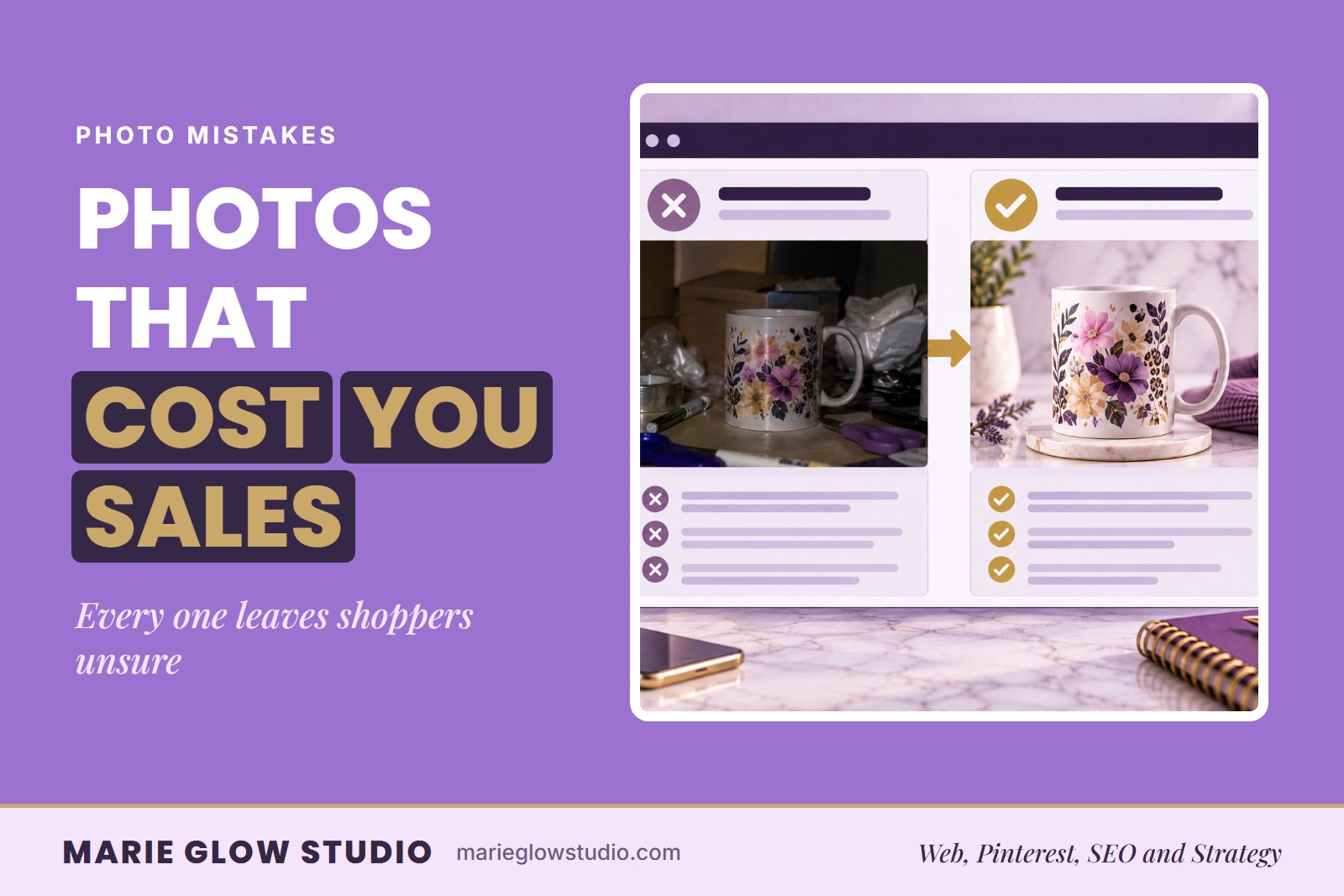
Product Photography Mistakes That Cost Sales
Dark light, one angle, unclear scale and heavy filters leave shoppers unsure what they are buying. Eight photo mistakes and the order to fix them in.

How to Create Product Listings That Convert
A product page has to explain what it is, who it is for and why to trust it without you in the room. Here is how to write listings that answer those questions.
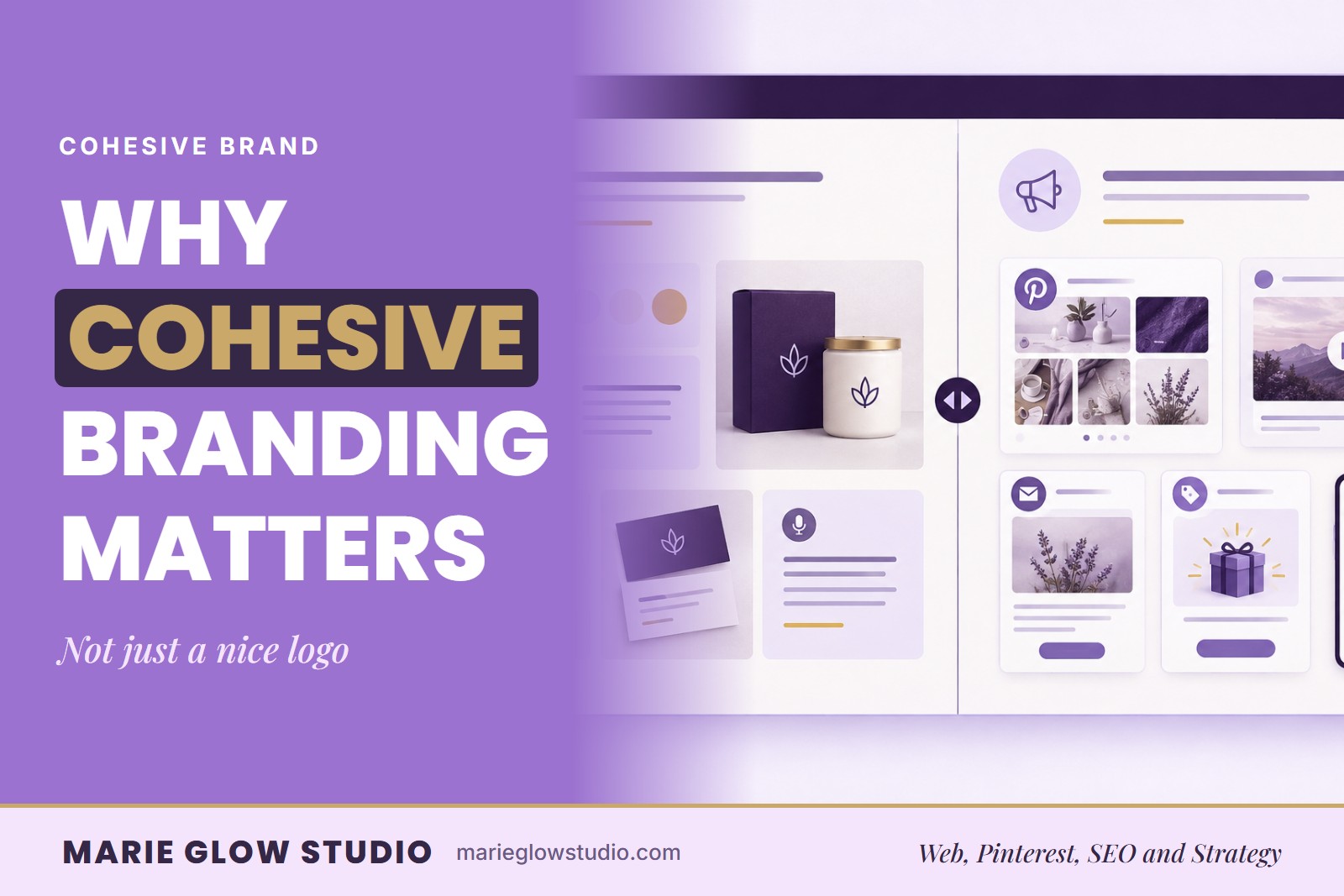
Why Cohesive Branding Matters for Small Businesses
Two shops can sell the same product and feel completely different. Here is why cohesive branding matters and a simple way to check yours.