Product Photography Mistakes That Cost Sales

Every one of these mistakes creates the same result: a shopper who isn't sure what they're actually getting, and doesn't stick around to find out. Product photography mistakes that create uncertainty include poor lighting, a single angle, unclear scale, overpowering props, heavy color editing and inconsistent crops.
A customer cannot hold an online product before buying, so the photos carry a lot of responsibility. When images are dark, confusing or incomplete, shoppers may leave even when the product itself is good. The goal is not expensive magazine photography. It is clear, accurate visual information that makes the buying decision easier.
How does dark or uneven lighting cost sales?
Poor lighting hides color, texture and print quality, so a shopper cannot judge what the product really looks like. Use soft natural light or a consistent lighting setup, avoid mixed color temperatures and check the highlights on glossy items.
Why is a single angle a problem?
A single front image rarely answers every question. Include the back, the sides, close-up details, closures, texture, packaging and anything that comes with the purchase. Make each image answer a different question, so a shopper never has to guess what the back or the inside looks like.
What goes wrong when size and scale are unclear?
Shoppers cannot tell how big an item is, and measurements alone do not always help. Show the product in a hand, on a model, beside a familiar object or in its intended setting, and avoid angles that distort size. Placing a Kindle case beside a favorite book is one simple way to show scale.
How can props hurt a product photo?
Props can build a lifestyle scene, but they should not cover the design or leave customers unsure what is included. Keep the product the obvious focus. If a prop is not part of the purchase, say so in the listing.
Why does heavy color editing backfire?
Filters that change the actual color may create disappointment and returns. Correct lighting and exposure, but keep the finished product accurate. If you can set white balance, pick one setting for the whole shoot so the same product does not shift color from shot to shot.
Are mockups alone a mistake?
Using only mockups can be. Mockups are useful for showing designs, but real photos prove the physical item exists and show texture, scale, finish and print quality. A mix is fine, and it helps to replace mockups with real photos over time, as explained in Product Photography Tips That Help Increase Sales.
Why do inconsistent crops make a shop look less trustworthy?
A product grid looks more trustworthy when image ratios, spacing, brightness and backgrounds feel intentional. Check the crops on mobile before you finalize them, since that is where many shoppers will see them first.
Do file names and alt text matter for product photos?
Yes, though accessibility comes first. Use descriptive file names before you upload when it is safe to, so a file called IMG_4839.jpg becomes a name that says what the product is. Write alt text that explains what is visible, and do not stuff it with keywords.
Which product photography mistake should you fix first?
Fix the one that affects every other photo first, which is lighting, and work down from there. A reasonable order is:
- Lighting, because every photo you take after it benefits.
- Missing angles, starting with the back and a close-up detail.
- Scale, with one photo that shows size in context.
- Color accuracy, by undoing any heavy filters.
- Consistency, by matching crops, brightness and backgrounds across the grid.
- File names and alt text, the next time you upload.
You do not need to reshoot the whole shop at once. Pick one listing, work through the order above, then move on to the next. The order covers the fixes that affect the whole shop; props and mockups are decided photo by photo, so check them as you go.
How can you check your own listing?
Open one listing on your phone and ask a few plain questions:
- Can I see the true color and texture in every photo?
- Do the photos show more than the front?
- Can I tell how big it is?
- Is it clear what is included in the purchase?
- Do the images look like they belong together?
Any no points to the mistake to fix first. For the wording that goes beside the photos, read product descriptions that help increase sales. To see how the whole page comes together, read how to create product listings that convert.
Where can you read more about photos and trust?
For the full trust-building approach, read How Product Photos Build Customer Trust on the Marie Gems Purple Print blog.
Once your photos are ready, the store around them matters too. Marie Glow Studio builds Shopify sites around the product images and content you provide, and the Complete Website and Brand Identity includes product and collection organization for up to 20 items. See Shopify web design for the details.
Frequently asked questions
Can phone photos work for product listings?
Yes. A clean lens, stable setup, good light, accurate color, and thoughtful angles can produce trustworthy listing photos with a modern phone.
How many photos should a product have?
Use enough to show the complete product, key details, scale, variations, and real-life context. Each image should answer a different customer question.
Are white backgrounds required?
No. Clean, consistent backgrounds are more important than pure white. Include lifestyle images too when they help explain use or scale.
Do poor product photos really affect sales?
They can. Unclear images increase uncertainty, and online shoppers may choose a listing that makes the product easier to understand.
Keep reading
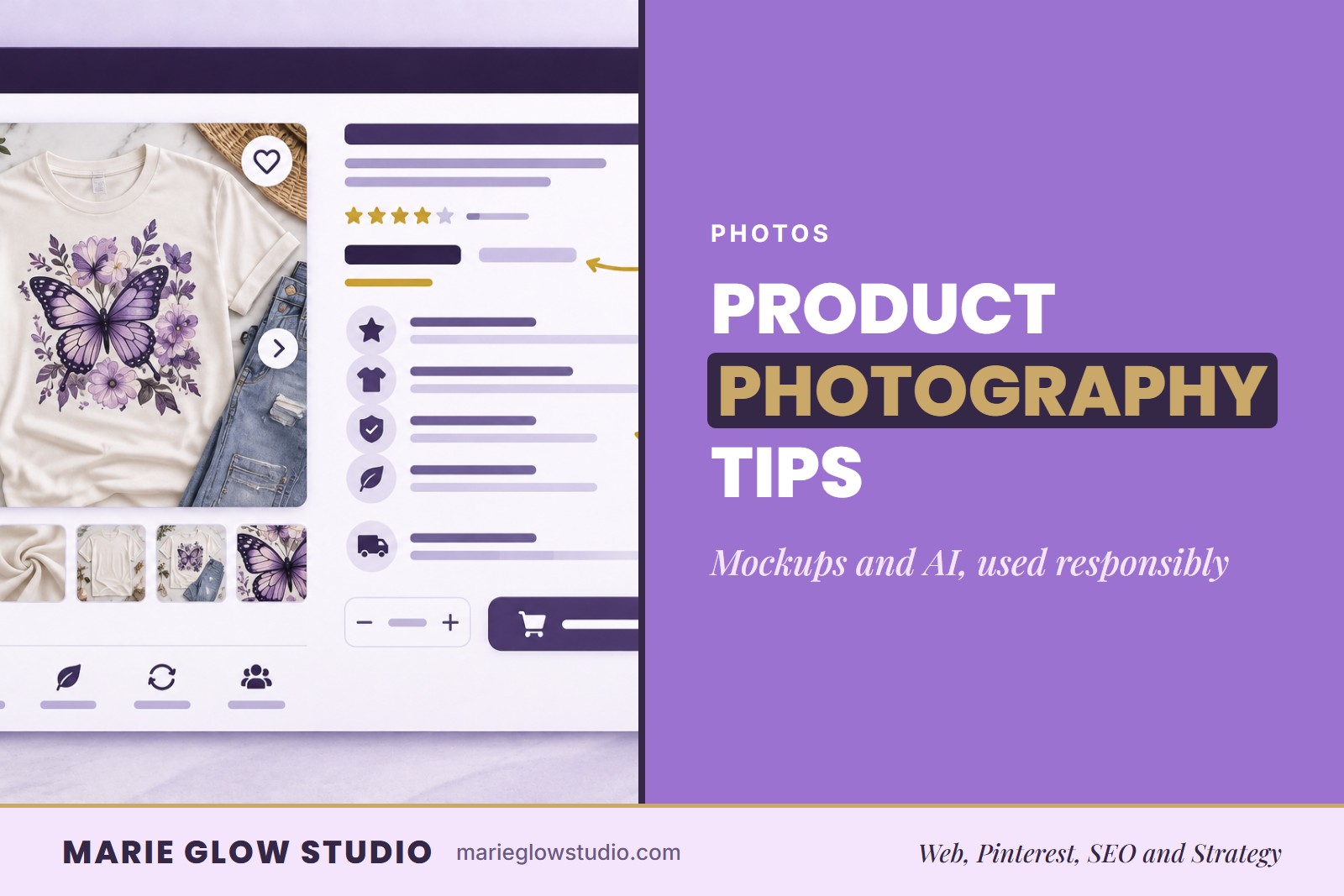
Product Photography Tips That Help Increase Sales
Soft light, clean backgrounds and honest mockups can make a small shop look trustworthy. Here is how to photograph products without a studio and use AI images responsibly.

Product Descriptions That Help Increase Sales
A product description should answer the questions a customer would ask in person. Here is what to include, in a practical order, for products that need to sell online.

How to Build Brand Trust Online
Trust is built in small moments before anyone reads a review. Here is what to say, show and fix so an online shop feels real and dependable.